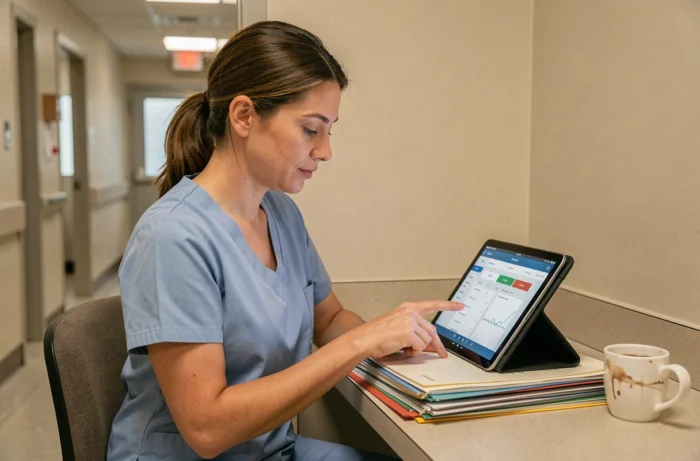
Netsoins is the computerized care record software used in the majority of nursing homes and medical residences in France. On tablet, its mobile interface (NETMobilité) allows for entering transmissions, consulting the care plan, and recording actions directly in the resident’s room. The real-time time savings depend less on the software itself than on how each caregiver configures and uses their tablet on a daily basis.
NETMobilité on tablet: enter information at the time of care, not after
The NETMobilité application is the mobile extension of Netsoins, designed for touch screens. Its principle is based on a simple logic: information is entered where the care takes place, not in the transmission room an hour later.
This approach reduces two concrete problems. The first, late transcription, leads to omissions. The second, double entry (paper then software), consumes time that the caregiver could dedicate to residents.
The interface is adapted to real field conditions: frequent interruptions, variable lighting from one room to another, and hands sometimes occupied. A Netsoins tutorial on tablet detailing the basic gestures speeds up the onboarding process for caregivers who are discovering the tool.
Specifically, entering information at the bedside works if the tablet is charged, connected to the establishment’s Wi-Fi, and the caregiver knows where to find the three or four screens they need. Everything else is visual noise.
Filter displayed modules according to caregiver profile
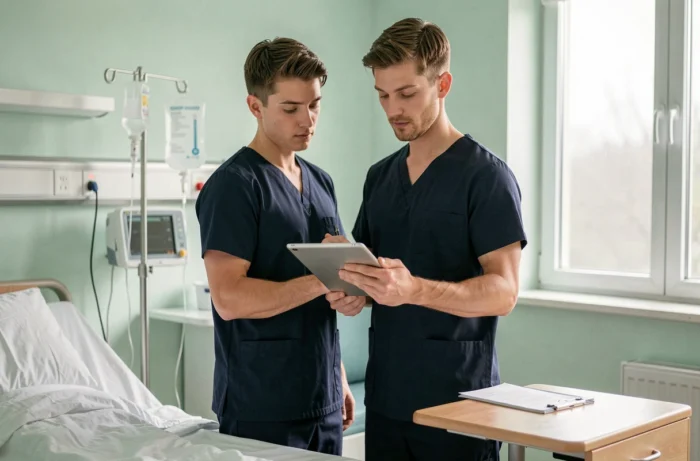
Netsoins displays a large number of modules by default: transmissions, prescriptions, billing, administrative management, statistics. A nursing assistant only needs a fraction of these screens. Hiding unnecessary modules reduces the number of clicks at each login.
The configuration of access rights is done by living unit and by function. This setting is the responsibility of the health manager or the IT referent, not the caregiver themselves. However, the caregiver can report that they see tabs that do not concern them.
Modules to keep visible according to position
- Nursing assistant: transmissions, care plan, liaison notebook. Billing and statistics modules are of no daily use and clutter navigation.
- Nurse: medical record, prescriptions, traceability of actions. Movement management and financial reports can be hidden.
- Coordinating physician: complete medical record, but filtered to the relevant living unit to avoid browsing through the records of all sectors.
This filtering is configured only once. Its effect on navigation speed is immediate, because fewer tabs mean less time spent searching for the right screen.
Targeted transmissions on Netsoins tablet: gain in precision and speed
Targeted transmission structures information into three fields: the target (the observed problem), the data (what has been noted), and the actions taken. On tablet, this format imposes a discipline of entry that shortens the text without losing clinical information.
Narrative transmission, on the other hand, is suitable for complex situations that do not fit into a three-field format (end-of-life context, unusual event involving multiple stakeholders). Using the narrative mode systematically for all types of transmission lengthens the entry without improving the quality of monitoring.
Favoring targeted transmission for routine actions allows for saving several minutes per resident. The tablet facilitates this discipline because the reduced screen naturally encourages writing less but better.
Voice dictation and AI integration
An integration between Tandem AI Scribe and Netsoins now allows for the automatic transfer of dictated clinical documentation to the resident’s file. The caregiver dictates their observation, and the text appears in Netsoins without manual entry.
This device brings the entry closer to the moment of care. For caregivers who are not comfortable with typing on a touch screen, dictation removes the main barrier to using the tablet.
Security and GDPR compliance on tablet in nursing homes
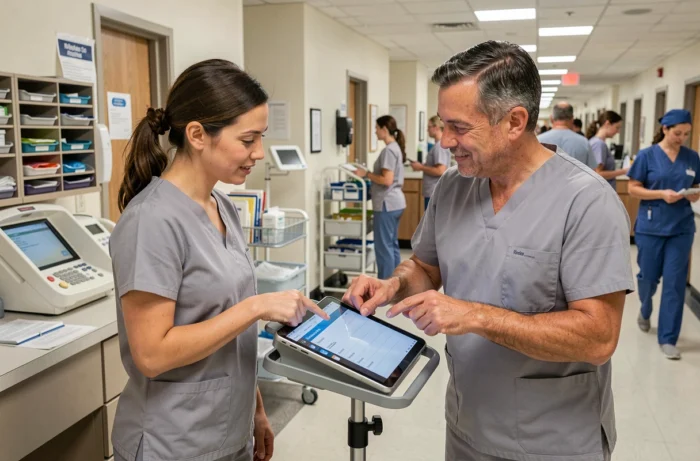
The use of a tablet in mobility raises questions about the security of health data. Automatic session locking after a few minutes of inactivity is a constraint often perceived as a waste of time. It remains mandatory.
Regulations on the protection of personal health data require that each access be tracked and that the device not remain unlocked without supervision. Bypassing this lock (by disabling sleep mode, for example) exposes the establishment to a real legal risk.
Two practices speed up reconnection without compromising security:
- Use a short PIN associated with the Netsoins account rather than a long password at each reconnection.
- Configure the duration of automatic locking to the maximum allowed by the establishment’s policy, to avoid disconnections in the middle of care.
- Assign one tablet per living unit rather than one tablet per caregiver, which reduces session conflicts and multiple reconnections.
Ségur funding to equip caregivers with tablets
Social and medico-social establishments that deploy a Digitized User Record compliant with Ségur can benefit from funding covering the necessary equipment, including tablets. This financial lever is underutilized in many structures.
The funding does not only cover the software. It includes infrastructure (Wi-Fi access points, protective cases, wall mounts) and change management support. An establishment that meets the usage targets defined by the program can unlock these aids.
The main barrier is not budgetary but organizational: compiling the file, identifying the usage targets to be achieved, and training teams within a tight schedule. Structures that have an identified digital referent progress faster than those that delegate the issue to an already overloaded health manager.
The tablet in care is not a technological gadget. It is a traceability tool that, when properly configured, gives time back to the caregiver instead of consuming it. The difference lies in the initial configuration, the choice of the right transmission format, and the establishment’s ability to train its teams on the ground, not in a meeting room.